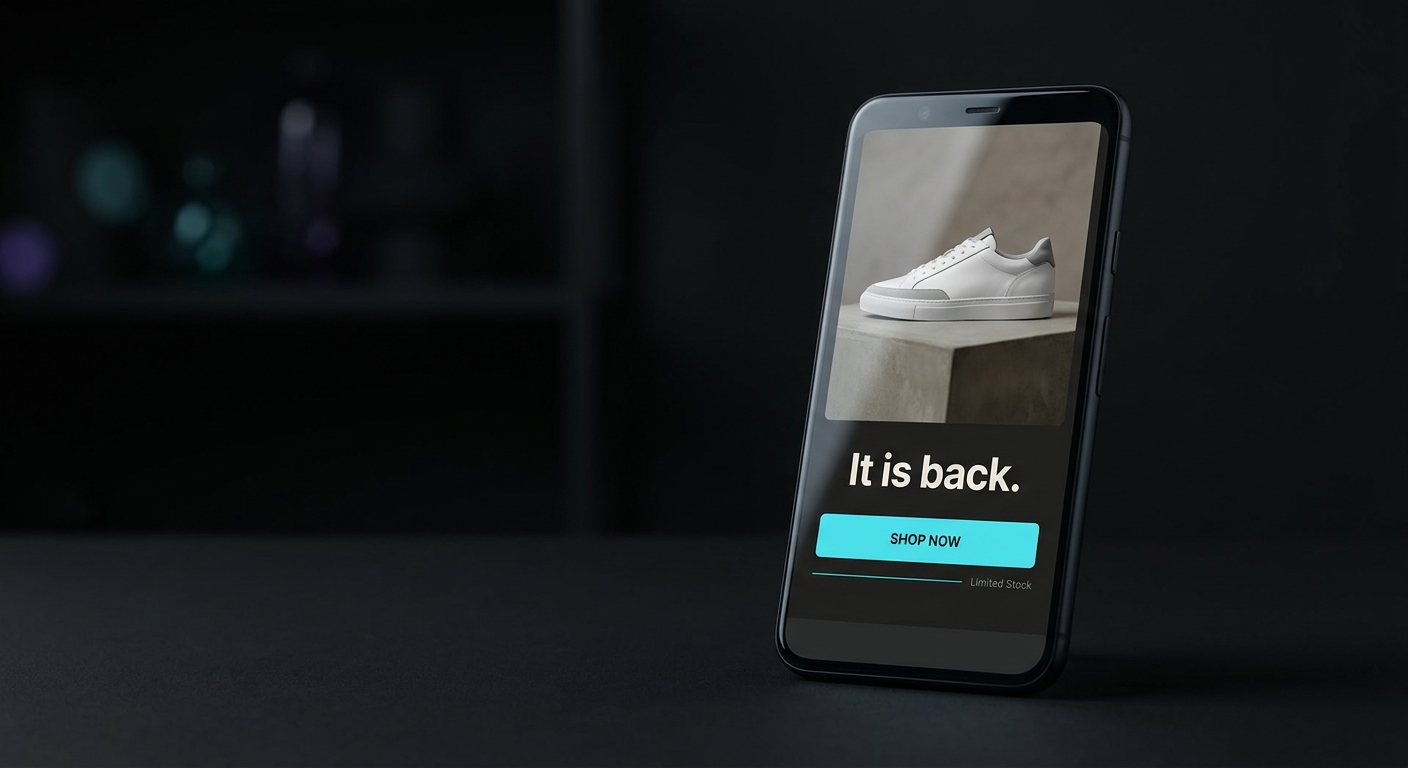
A back in stock email is the note you send a shopper the moment a sold-out product is available again, after they clicked "notify me" and asked to hear about it. It is worth setting up properly because it is the single highest-converting automation most Shopify stores can run: Omnisend's 2025 data put back in stock emails at $9.14 in revenue per email and a 6.72% conversion rate. The reason is simple. Everyone on that list already told you they want the product, so you are not selling anything, you are just removing the one thing standing in the way. This guide covers the Shopify and Klaviyo setup, when to send, exactly what to write, and the one filter that keeps the email from stepping on your cart flow.
Most guides on this stop at "add urgency and a nice product photo." That advice is fine and also everywhere. The part that actually decides whether the email fires at the right person at the right moment is the setup underneath it, so that is where this starts.
Why does a back in stock email convert so well?
Intent. A shopper landed on a sold-out product, cared enough to leave their email, and asked to be told when it returned. That is a warmer signal than a cart abandonment and far warmer than any campaign blast. They are not being interrupted, they are being answered.
The numbers back it up. In Omnisend's 2025 dataset of more than 20 billion emails across 27,000+ brands, back in stock emails converted at 6.72%, the top of every common automation type. The same report found only 0.6% of brands actually used the automation, which is the useful part: near the best return on any flow you can build, and almost nobody is running it. If you regularly sell out of a product, this is the fastest flow to stand up for real revenue.
One caution before the setup: this only works when the notification is honest. Do not send "back in stock" the day before a restock lands, and do not pad the list with people who never opted in. The whole advantage is that the shopper asked, so keep it that way.
How do you set up a back in stock email on Shopify?
On Shopify the standard build is a Klaviyo Back in Stock flow, and the mechanics are worth understanding before you write a word of copy.
When a product sells out, Klaviyo's integration swaps the "Add to Cart" button on the product page for a "Notify me when available" button. A shopper who clicks it gets a small form, enters their email, and is added to a list for that specific product. That action tracks a "Subscribed to Back in Stock" event on their Klaviyo profile, and that event is what triggers the flow.
Here is the piece that trips people up. The profile does not get the email right away. It enters the flow and waits at a step Klaviyo calls the Back in Stock Delay, which holds the shopper until that exact product is restocked in your catalog. When inventory returns, the delay releases and the email sends. You are not scheduling a send, you are arming one.
For any of that to fire, three settings have to be right:
- Track inventory in Shopify on the product and its variants, so Shopify knows when a variant hits zero.
- Uncheck "Continue selling when out of stock" on every variant. If it stays checked, the product never technically sells out, the "Notify me" button never appears, and nobody ever subscribes.
- Turn on catalog sync in your Klaviyo integration settings, so product data and inventory counts flow into Klaviyo automatically and the delay knows when the item is back.
Get those three right and the trigger takes care of itself. Everything after this is about what the shopper actually receives.
When should a back in stock email send?
Immediately. The Back in Stock Delay already handles this for you: the moment the product is restocked, the email goes out. Do not add an extra wait on top of it. A back in stock alert that lands three hours late is competing with the shopper's memory, and the restocked units are often the same ones other subscribers are being notified about at the same time.
If you sell out often and want to reward your most engaged buyers, you can send to a VIP or highest-engagement segment first and release the rest an hour later. That is an optimization, not a requirement. For most stores, one list, sent the instant stock returns, is the right call.
Should it be one email or a short sequence?
Two emails, not more. The alert does almost all the work, and a second gentle reminder catches the people who saw the first one, meant to buy, and got pulled away. A third email starts to feel like pressure on someone who already told you they were interested, which is the fastest way to earn an unsubscribe.
- Email 1, the alert. Sends the instant the product is restocked. Job: tell them it is back and get the click.
- Email 2, the reminder. Sends about 24 hours later, and only to people who have not bought yet and only while the item is still in stock. Job: a light nudge, not a new pitch.
That is the whole sequence. Now the copy.
What should a back in stock email actually say?
Short. The shopper already wants the product, so the email's only job is to say it is available and make the button easy to find. Lead with the product, keep one clear call to action, and be honest about how fast it tends to go instead of inventing fake urgency.
Here is a paste-ready first email. Swap the bracketed fields for your store's details.
Subject: It's back: [Product name]
Preview text: You asked us to tell you. It's in stock now.

Hi [First name],

Good news: the [Product name] you wanted is back in stock.

You asked to be notified, so you're hearing it here first. This one
tends to move quickly, so grab yours while it's on the shelf.

[ Shop [Product name] → ]

Thanks for waiting,
[Store name]
And the reminder, sent about a day later to anyone who has not bought yet:
Subject: Still here, for now: [Product name]
Preview text: Your restocked [Product name] hasn't sold out again.

Hi [First name],

Quick heads up: the [Product name] is still in stock, but it's going.

You were on the waitlist, so we wanted to give you one more nudge
before it's gone again.

[ Get yours → ]

[Store name]
Notice what is not there: no discount, no five-paragraph story, no three competing buttons. A restocked-product email that reads like a normal note from the store converts better than one dressed up like a sale.
Back in stock subject lines that get opened
The product name belongs in the subject line, because recognition is what earns the open. Keep it under about 50 characters so it survives on a phone. A few that work:
It's back: [Product name]Back in stock: [Product name]You asked, it's here: [Product name]The [Product name] you wanted is backGood news about [Product name][Product name] is back (and going fast)Still available: [Product name]One more chance at [Product name]
Pair each with preview text that adds information instead of repeating the subject. "You asked us to tell you, it's in stock now" does more than "Open to see."
How do you keep it from clashing with your other flows?
This is the step every "best practices" list skips, and it is the one that quietly costs you. A shopper can be sitting in your back in stock flow and your browse abandonment or cart flow at the same time, and without a guard they can buy after the alert and still get the reminder the next day. That reads as careless.
Two filters fix it inside Klaviyo:
- On the reminder, add a conditional split or flow filter: only send if the person has "Placed Order" zero times for that product since entering the flow. A buyer who purchased after Email 1 quietly exits before Email 2, so nobody gets nudged to buy something they already own.
- Keep the back in stock flow scoped to its own trigger. Because it fires on "Subscribed to Back in Stock" and not on a cart or browse event, it does not overlap with your abandonment flows by default. Leave it that way. Do not fold restock alerts into a general campaign, or you lose the timing and the intent that make them work.
Set once, these run in the background and you never think about them again.
Should a back in stock email include a discount?
Usually no. The demand is already there, so a discount spends margin to close a sale you were going to make anyway, and it trains attentive shoppers to wait for a code before buying. Keep the first email clean and let the restock itself be the reason to act.
There are two honest exceptions. If a product has been sitting restocked for days and the waitlist is not converting, a small incentive on a later reminder can move it. And if you are clearing a slow line, an offer is a fine way to do it. Outside of those, a plain "it's back" beats a discount, because it protects both your margin and the perception that the product is worth buying at full price.
Getting it live
If you sell out of products, a back in stock email is close to free money you are leaving on the table: near the best return of any flow, and almost nobody runs it. The setup is a one-time job. Turn on inventory tracking, uncheck continue-selling, confirm catalog sync, arm the trigger, and write the two emails above.
The flow logic is Klaviyo's job. The slow part is usually writing and designing the email so it looks like it belongs to your store instead of a generic template. That is the part JetFlow speeds up: it reads your store's real products and branding, generates the back in stock email copy and design on-brand, and pushes it into Klaviyo, so the sequence in this guide is ready to send in minutes instead of an afternoon. Set it once, and the next time a product sells out, the sale recovers itself.