A browse abandonment email is an automated email you send to a shopper who looked at a product on your store but never added it to their cart. It fires off Shopify's Viewed Product event, sends within a few hours of the visit, and pulls the shopper back to the exact product they were eyeing. Cart abandonment catches people who almost bought. Browse abandonment catches people one step earlier, while they are still deciding.
Most Shopify stores set up a cart flow and stop there. That leaves the larger group untouched: the shoppers who browsed, felt some interest, and drifted off without ever clicking Add to Cart. This guide covers what a browse abandonment email is, when it should send, how to build the flow in Klaviyo without stepping on your cart flow, and what the email should actually say. There is a copy-ready two-email sequence at the end you can paste in and adjust.
What is a browse abandonment email?
It is a triggered email tied to a single action: a shopper viewed a product page and then left without adding it to their cart. The flow watches for the Viewed Product event, waits a set delay, and sends a reminder that features the product they looked at.
The distinction from cart abandonment matters because it changes the whole tone. A cart abandoner picked a size, a color, a quantity. They were close. A browser might have been comparing options, checking your prices, or killing five minutes on their phone. Their intent is real but soft. So the email leans toward helpful and low-pressure rather than "you left something behind, finish now."
Do browse abandonment emails actually work?
They work, but you should set expectations honestly. A browse email converts at a lower rate than a cart email, because you are reaching people earlier in their decision. That is fine. The value is in volume: far more people browse than add to cart, so even a modest recovery rate on a big audience is revenue you were not collecting before.
The mistake stores make is judging the browse flow by cart-flow numbers and then killing it when the conversion rate looks smaller. Judge it on total revenue recovered and on whether it is profitable after the near-zero cost of an automated email. For most stores it clears that bar easily.
When should a browse abandonment email send?
Send while the product is still fresh in the shopper's mind, but not so fast that you email someone who is still on your site. Klaviyo recommends a minimum one-hour delay before the first send, which filters out active browsers. Some guides push the first send out to twelve or twenty-four hours. Both can work, and the right answer depends on your product.
A simple rule of thumb:
- Considered or higher-priced products (furniture, electronics, jewelry): give people room to think. First email at four to twelve hours, a second a day or two later.
- Impulse or lower-priced products (apparel, beauty, accessories): strike sooner. First email at one to four hours while the interest is warm.
Whatever you pick, keep the first send within the same day. After that, a single follow-up a day or two later is usually enough. A third email into a low-intent audience mostly generates unsubscribes.
How do you set up browse abandonment in Klaviyo on Shopify?
On Shopify, Klaviyo tracks the Viewed Product event automatically once its app embed is enabled, so you do not need to add custom tracking code. From there the flow is a trigger, a delay, and one or two emails. The part people get wrong is the filters. Without them, the browse flow sends to people who already bought or who moved on to their cart.
Set the trigger to Viewed Product, then add these filters so the flow only reaches people who genuinely browsed and left:
- Placed Order zero times since starting this flow
- Started Checkout zero times since starting this flow
- Added to Cart zero times since starting this flow
- Has not been in this flow in the last 30 days
The Added to Cart filter is the important one for coordination. It routes anyone who progresses to their cart out of the browse flow and into your cart abandonment flow, so no shopper gets both. The 30-day filter stops you from re-emailing a frequent browser every time they window-shop.
For the product block itself, use a static block that pulls the viewed product with the event's own data (product name, price, image, and link) rather than a generic best-sellers block. The whole point is to show the shopper the specific thing they were looking at.
How is this different from your abandoned cart email?
Same idea, different starting line, and they should never both hit the same person. Your cart flow speaks to someone who chose an item and stalled at the finish, so it can be more direct: their item, a clear button, maybe a small nudge on a later send. Your browse flow speaks to someone who was still looking, so it stays lighter: here is the product you liked, here is why people buy from us, come take another look.
The Added to Cart filter in the section above is what keeps the two lanes separate. Shopper views a product and leaves? Browse flow. Shopper adds to cart and leaves? They drop out of the browse flow and your cart flow takes over. Set that filter once and you can run both flows without worrying about double emails.
What should a browse abandonment email say?
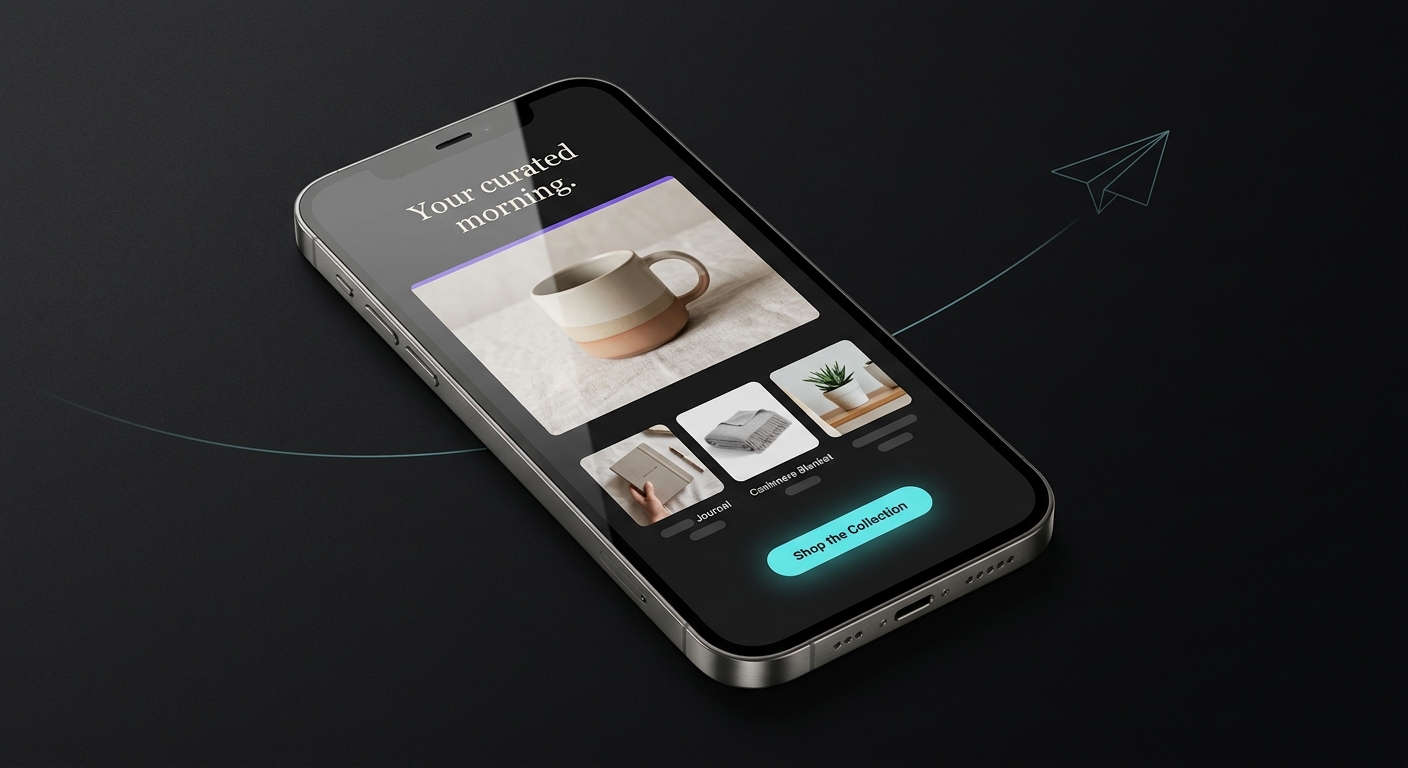
Lead with the product, keep the tone helpful, and give a reason to buy from you that is not a discount. Browse shoppers have not committed to anything, so opening with a coupon teaches your audience to browse-and-wait for a deal, and it eats margin you did not need to give up. Save any incentive for a second email if the shopper still has not returned.
Four things earn their place in the email:
- The product they viewed, front and center, with its image and price.
- One line of helpful copy that lowers the risk of buying: free shipping over a threshold, easy returns, or a real review.
- A single clear button back to that product page. One call to action, not five.
- A soft, human subject line. "Still thinking it over?" beats "YOUR ITEM IS WAITING."
Here is a copy-ready two-email sequence. Swap in your brand voice and policies.
EMAIL 1  (send 1 to 4 hours after the visit)

Subject:  Still thinking it over?
Preview:  The [product name] you were looking at, plus a note on shipping.

Hi [first name],

You were checking out the [product name] earlier. Good eye. It is
one our customers come back for.

[ PRODUCT IMAGE ]
[ Product name ]
[ Price ]

A couple of things that might help you decide:
- Free shipping on orders over [$X]
- [30]-day returns, no questions asked

[ Take another look -> ]  (links to the product page)

Any questions before you buy? Just reply to this email, a real
person reads it.

[Brand]
EMAIL 2  (send 1 to 2 days later, only if no purchase)

Subject:  Quick question about the [product name]
Preview:  Anything holding you back? We are here to help.

Hi [first name],

The [product name] is still here whenever you are ready. If
something is holding you back, size, fit, shipping time, reply
and we will sort it out.

[ PRODUCT IMAGE ]
[ Product name ]  -  [ Price ]

Here is what other shoppers say about it:
"[ Short real review ]"  - [Customer name]

[ See it again -> ]

[Brand]
Notice there is no discount in either email. If you want to test one, put a small offer in email two only, and watch whether it lifts revenue enough to cover the margin. Often it does not, and the reminder alone does the work.
How do you keep a browse email on-brand without a designer?
The setup above is the easy part. The slow part is making the email look like your store instead of a plain text block, especially if you are the whole marketing team. That is where store owners stall for weeks.
This is the problem JetFlow was built to remove. It reads your Shopify catalog and branding, then generates the on-brand email design and copy for flows like this one, so you drop finished creative into your Klaviyo browse flow instead of building it from a blank template. You still own the trigger and the filters in Klaviyo. JetFlow just gets you from empty screen to a polished, on-brand email in minutes.
If you already have a designer and a template you like, keep using it. The browse flow works the same either way. What matters is that the email exists, sends within a few hours, shows the product they viewed, and stays out of your cart flow's way. Get those four right and you are collecting revenue that used to walk out the door.