
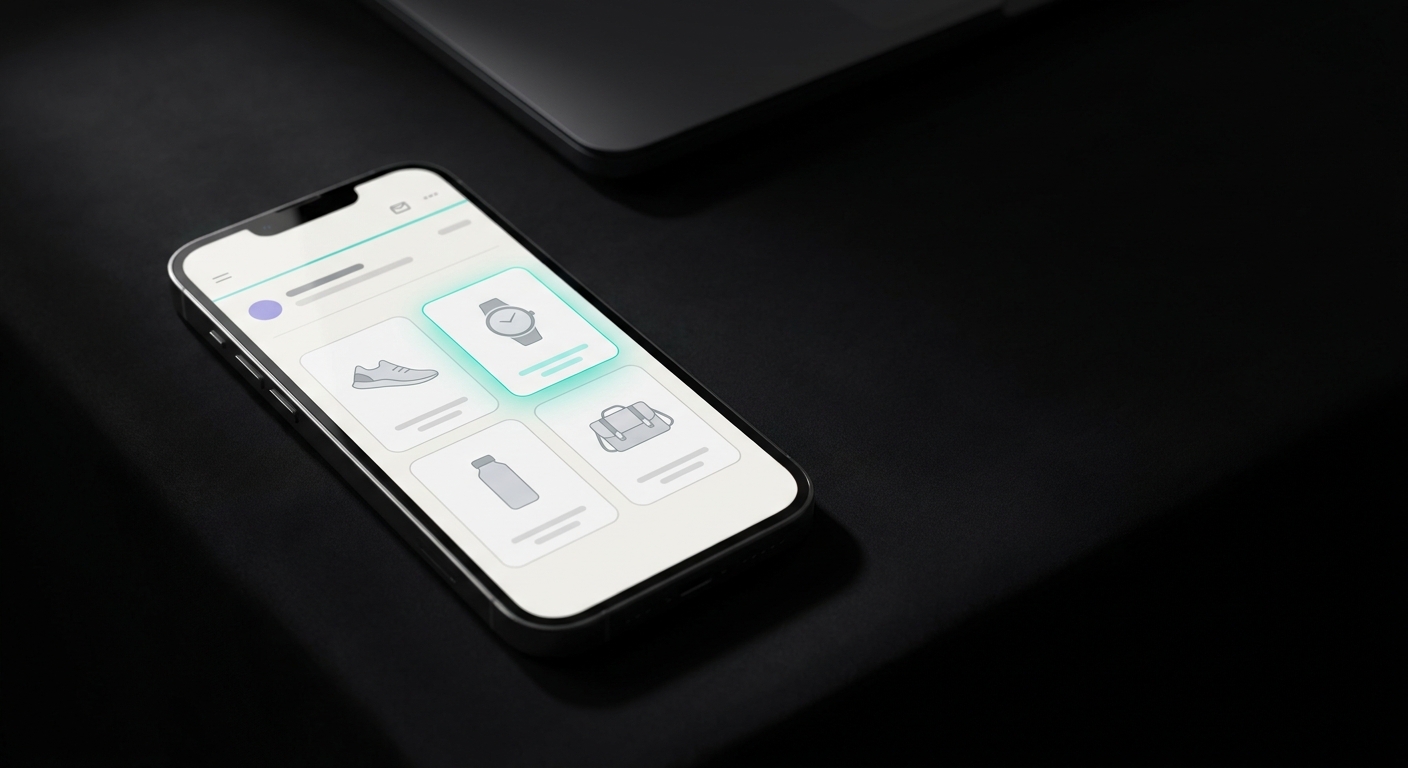
A product recommendation email shows each subscriber a short list of products picked for them, not the same five items everyone else gets. For a Shopify store, the mechanism behind that personalization lives in Klaviyo: a product feed that pulls from your synced catalog, ranks items by a rule you choose, and drops them into a block you can reuse across flows and campaigns. The hard part isn't the idea, it's picking the right feed logic and filters, and knowing when a recommendation email earns its own send versus riding inside something else.
How does Klaviyo pick which products to recommend?
Klaviyo's product feeds run on two kinds of logic. The first kind is the same for everyone: best-selling products (ranked by purchase events over the last 3 or 90 days), most viewed products, and newest products (whatever was most recently added to your catalog). These are safe defaults because they don't need any history on the specific subscriber.
The second kind is personalized per recipient: products a customer recently viewed (last 90 days), products a customer added to cart but didn't buy (last 90 days), and products a customer may also like, which uses AI collaborative filtering against that person's browsing and purchase history rather than a fixed rule. This last one is the closest thing to what people usually picture when they hear "AI recommendations," and it's also the one most likely to come up empty for a brand-new subscriber. Klaviyo handles that by falling back to a secondary classic feed you set, so the email never ships a blank block.
What filters should you set before you send?
Picking a logic is step one. Step two is narrowing what that logic is allowed to surface, because "most viewed" with no filters will happily recommend a product that's out of stock or priced way outside what this subscriber usually buys.
Klaviyo's feed filters, layered on top of your sort logic:
- Category, with "includes" or "excludes," and "any of" (OR) or "all of" (AND) matching if you combine categories.
- Stock level, with a minimum and maximum threshold.
- Price, with a minimum and maximum.
The stock and price filters only work on Shopify, BigCommerce, Magento 2, Wix, and custom catalog integrations, which covers most Shopify stores by default since the Shopify integration syncs your catalog automatically. Klaviyo also excludes certain products from any feed automatically: items with no image, items the recipient already bought, items marked out of stock and unavailable, and the specific item that triggered the current flow email (so a browse-abandonment email doesn't "recommend" the exact product it's already showing).
Add filters with "Add Filter" until the feed can't surface something you'd be embarrassed to send. A $12 product showing up in a "you may also like" block under a $400 item usually means a missing price filter, not a broken algorithm.
Should product recommendations be their own email, or part of something else?
Both, depending on the job. A product feed block works inside almost any flow or campaign, so the real decision is whether recommendations deserve a standalone send or a supporting role.
Give it a standalone send when:
- You run a recurring "new picks for you" or "weekly favorites" campaign and have no better content angle for that week.
- Your list is big enough and engaged enough that a pure-recommendation email won't read as filler.
Fold it into something else when:
- It's a section inside a regular newsletter, alongside editorial content, a sale callout, or a how-to.
- It's the recommendation block inside a flow that already has a job: a post-purchase cross-sell, a win-back email to lapsed customers, or the bottom third of a browse-abandonment email (recommending adjacent items, not the one they already looked at, since Klaviyo excludes that one anyway).
A store with a small list is usually better off folding recommendations into an existing flow or newsletter than adding a new standalone send that competes for inbox attention. Save the dedicated "picked for you" campaign for when you have enough catalog depth and list size to make it feel substantial rather than thin.
What should the email actually say?
The subject line and the one or two sentences above the block do more work than people expect, because the product images carry the rest. Here's a skeleton you can adapt:
Subject line options:
- Picked for you: 5 things you'll probably like
- Because you looked at [Product/Category]
- Your personalized picks are in
- Still deciding on [Category]? Here's what's trending
- New this week, picked for your taste
Body:
Hi [First Name],

Based on what you've browsed (and what other
[category] shoppers love), here's what we'd put
in your cart this week.

[PRODUCT BLOCK - 3 to 6 items, dynamic feed]

Nothing here grab you? [Browse the full collection]
or just reply, we read these.

— The [Store] team
One acknowledgment line that the picks are tailored, the block itself, and a low-pressure way out if nothing lands. No discount, no countdown timer. Save urgency for the sends where it's actually true.
When should you hand-pick products instead of automating?
Klaviyo's product block also supports a static mode: you manually choose up to 9 products instead of letting a feed rule decide. This is the better call when you have a specific reason to override the algorithm, a new launch that has no sales history yet to earn a "best-seller" spot, a seasonal set you want grouped together regardless of individual performance, or a VIP-only early-access list where the dynamic feed's broad logic doesn't match the narrower audience you're emailing. Use dynamic feeds as the default and reach for static only when you have a specific reason the algorithm can't know about.
Across Klaviyo's full catalog, this personalization layer is part of why automated, behavior-triggered emails outperform one-size-fits-all campaigns so consistently: Omnisend's 2025 benchmark report (27,000+ brands, 470 million automated sends) found automated emails converting at 1.49% and earning $3.41 per email, against 0.08% and $0.155 for plain campaign blasts, roughly a 19 to 22 times gap. Cross-sell emails specifically, the automated flow closest to a pure recommendation send, average a 42.09% open rate and $0.95 revenue per email in that same report. Recommendation logic isn't the whole reason for that gap, timing and targeting matter too, but it's the piece that makes a single email template relevant to a thousand different inboxes at once instead of generic for all of them.
If writing and designing the email around that block is the part eating your week, that's the gap JetFlow fills: it reads your Shopify catalog and brand, builds the surrounding email, and exports it straight into Klaviyo so the feed logic above has a finished template to live in. See JetFlow vs Klaviyo's built-in templates for how that compares to building it by hand.