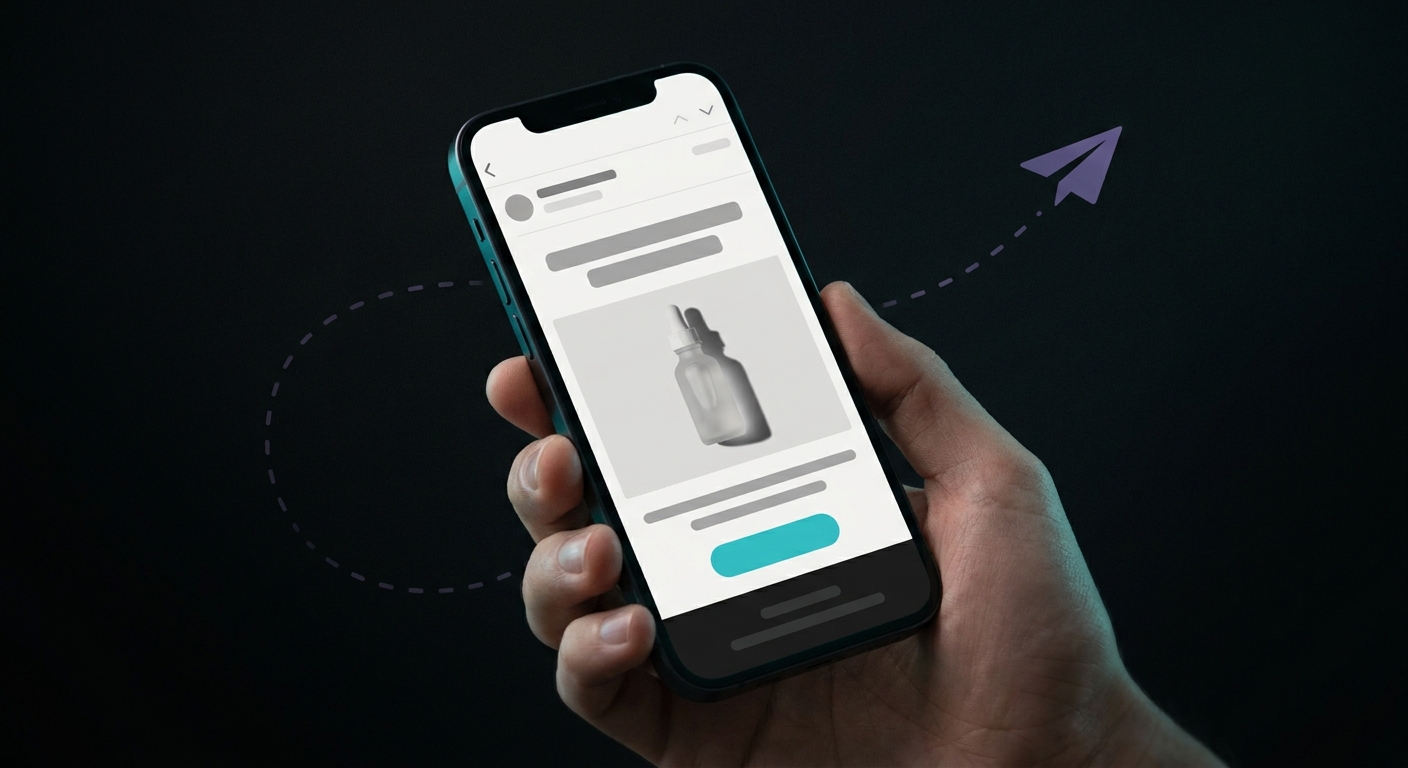
A replenishment email reminds a customer to reorder a consumable product right before they run out, not after. It's built as a Klaviyo flow, not a one-off campaign, triggered by a past purchase and timed to the product's actual usage window. Get the timing wrong and it either lands too late, after they've already bought a replacement somewhere else, or too early, while half the bottle is still full. Get it right and it's one of the few emails a customer is genuinely glad to see, because it's solving a problem they were about to have anyway.
What is a replenishment email?
It's an automated email sent to someone who bought a consumable product, timed to arrive shortly before that product is expected to run out, prompting a one-click reorder. The difference from a generic "we miss you" win-back email is the trigger logic: a replenishment email fires forward from a known purchase and a known (or predicted) usage cycle, while a win-back email fires backward from a customer going quiet for an arbitrary stretch of time.
Which products should get a replenishment flow?
Anything with a predictable consumption cycle: supplements, skincare and personal care, pet food, coffee, contact lenses, cleaning products, razors. If a customer finishes the product and needs another one on roughly the same schedule every time, it's a replenishment candidate. Durable goods, apparel, and one-time purchases don't fit this pattern. There's no "running out" to time against, so a cross-sell or post-purchase upsell flow does that job better. If you sell these as a formal subscription rather than one-off reorders, a subscription app like Recharge handles the billing side and feeds its own events into Klaviyo instead.
How do you time a replenishment email?
Klaviyo supports two approaches, and which one you use depends on how much order history you have for a given product.
Manual timing, for a known shelf life. If you sell a product with a stated supply window, like a 30-day supplement, set the delay a few days before that window closes. Klaviyo's own guidance for a 30-day product is a delay of roughly 20 to 25 days, so the email lands while there's still a little left, not after it's gone.
Predictive timing, once you have enough repeat orders. Klaviyo calculates an Average Time Between Orders metric per customer and per product, based on their actual purchase history. If a group of customers buying a certain pack tends to reorder every 9 weeks, you set the delay at 9 weeks instead of guessing. For stores with enough order volume, Klaviyo also surfaces an Expected Next Order Date through its Repeat Purchase Nurture Series, which lets you target even closer to the customer's real pattern instead of a flat delay for everyone.
Start manual for new or low-volume products, and switch to the predictive metric once a product has enough order history to make it trustworthy.
How do you build a replenishment flow in Klaviyo?
- Trigger: Placed Order. Add a trigger filter restricting the flow to the specific product or product tag you're building the flow for. This makes it a product-based flow rather than a store-wide one.
- Time delay. Set the delay using either the manual or predictive method above.
- Anti-duplicate filter. Before the email sends, add a flow filter so it only goes to customers who haven't purchased that product again since entering the flow. Without this, you'll email someone who already reordered on their own, which reads as careless, not helpful.
- Repeat per product cycle. If your catalog has products with different replenishment windows (a 30-day supplement and a 90-day one, for example), build a separate Placed Order flow for each cycle rather than cramming every product into one flow with one delay. Restrict each flow with its own product trigger filter and give it its own time delay that matches that product's cycle.
What should a replenishment email say?
Keep it to two or three emails, short, and built around a single action: reorder now. Here's a paste-ready sequence for a consumable product.
Email 1, the reminder (at the calculated delay, before they're expected to run out).
- Subject:
Running low on [product name]? - Preview:
Reorder in one click before you run out.
Body: Open with the fact, not a sales pitch. "Most customers reorder [product name] around this time." Show the product, a single reorder button that pre-fills their last order, and nothing else competing for attention.
Email 2, the nudge (1 to 2 weeks later, only if they haven't reordered).
- Subject:
Still have [product name] left? - Preview:
A quick reorder, saved from your last purchase.
Body: A shorter, lighter version of email 1. Add a second product they often buy alongside it, if relevant, but keep the reorder button for the main product front and center.
Email 3, the incentive (optional, 1 to 2 weeks after that).
- Subject:
10% off your next [product name] - Preview:
A small thank-you for being a repeat customer.
Body: Only add a discount here, not earlier. This is the one email in the sequence where a small, time-limited offer makes sense, because by now you're trying to close a customer who's drifting rather than nudge one who's on schedule.
How is a replenishment email different from a win-back email?
They look similar on the surface, both targeting past customers, but the trigger logic runs in opposite directions. A replenishment email is forward-looking: it fires based on when a specific product is expected to run out, timed against a known or predicted cycle. A win-back email is backward-looking: it fires after a customer has gone quiet for a stretch of time with no purchase at all, regardless of what they bought or when they'd realistically need more of it. Running both is fine, they catch different customers, but they shouldn't share a trigger or a message. One is "you're probably almost out," the other is "we haven't seen you in a while."
Repeat customers carry more weight than the raw numbers suggest. Adobe's digital economy research, cited by Klaviyo, found that the average ecommerce store earns 41% of its total revenue from just 8% of its customers, the repeat buyers. A replenishment flow is one of the more direct ways to keep that small group ordering on schedule instead of drifting to whichever competitor's ad they see next.
The slow part isn't the flow logic, Klaviyo's trigger and filter setup above covers that once. It's writing three distinct, on-brand emails per product cycle and keeping them current as your catalog changes, which is the kind of repetitive copy work JetFlow generates from your store's actual products so you can review and send instead of starting from a blank screen for every SKU.